

Make relevant coupon promotions visible while shoppers browse products.
View on Shopify App Store ↗Shopify Discount Stacking for BFCM: A Practical Test Matrix
Test Shopify BFCM discount combinations with six reproducible cases, an illustrative lamp basket and separate checks for product, order and shipping savings.
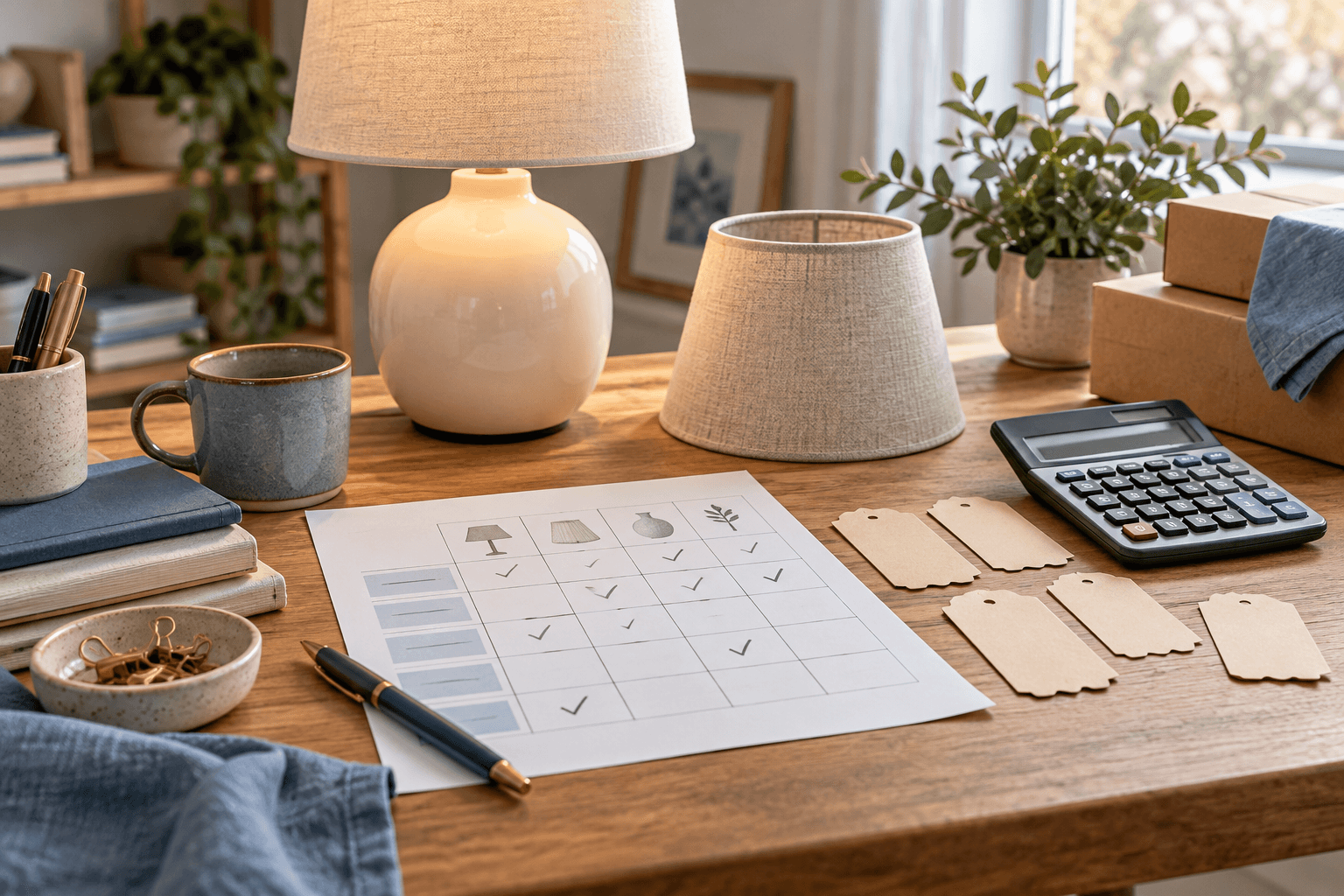
A BFCM discount test needs an answer to a precise question: which savings should survive on this basket, and what amount should the shopper see? A successful code entry is only one observation. Record the applied offers and the merchandise subtotal so another person can reproduce the result.
This worksheet focuses on discount-class interactions. Use the broader BFCM store stress test for inventory, payment and fulfillment rehearsals, and the product selection guide for deciding which products can support the offer.
Build an offer register before the matrix
Assign each intended discount a short identifier. Beside it, record the actual Shopify discount record, method, class, eligible items and customers, minimum requirements, active window and allowed combinations. Include offers introduced by apps. Use the configuration you can inspect, and save the time of that inspection.
According to Shopify's combination documentation, both discounts must permit the relevant combination. Product-plus-order and multiple-order combinations have eligibility requirements. Product savings apply before order savings; shipping savings follow. Multiple percentage order discounts use the same subtotal after product discounts. Review the current requirements for your store before adopting the example below.
Keep discount class separate from marketing wording. A banner saying “extra savings” does not tell the reviewer which rule runs. If one app discount includes several classes, record every included class and check its compatibility in the documentation. Create separate cases for BOGO or multiple product discounts on the same item; this example contains neither.
Set up an illustrative lamp basket
All amounts below are hypothetical USD merchandise amounts before taxes and shipping. They are not a store's observed checkout results. The basket contains one $80 desk lamp and one $40 spare shade. The four proposed offers have distinct roles:
- LAMP25: a 25% product discount on the lamp only.
- ORDER10: a 10% order discount on the entire qualifying merchandise subtotal.
- ORDER5: a separate 5% order discount on that same subtotal.
- SHIP: a free-shipping discount with no minimum purchase in this example, for a qualifying destination and shipping option.
For the combined cases, assume the store is eligible and every required combination is allowed. Assume the basket and customer meet all other conditions. Replace these assumptions with your actual rules before testing. The shade has no product-level discount, but remains included in the two order discounts.
Run this six-row test matrix
For each row, record expected amount, observed amount, applied discount identifiers, timestamp and pass/fail. Keep each row's setup separate so an earlier code cannot silently carry into the next case.
- A — Baseline. No proposed offers apply. Expected merchandise: $80 + $40 = $120. Check that the basket contains the intended variants and quantities.
- B — LAMP25 only. Lamp: $80 × 0.75 = $60; shade: $40. Expected merchandise: $100. Check which line received the $20 reduction.
- C — LAMP25 plus ORDER10. Start from B's $100 subtotal, then subtract $10. Expected merchandise: $90. Check both identifiers and each reduction, not only the final number.
- D — LAMP25 plus ORDER10 plus ORDER5. The two order reductions are $10 and $5 from the same $100 base. Expected merchandise: $85. Check that the second percentage was not calculated as 5% of $90.
- E — D plus SHIP. Expected merchandise remains $85; expected shipping is $0 for the stipulated qualifying option. Keep the shipping observation in its own field and record the actual destination and selected service.
- F — Combination deliberately disallowed in a controlled test configuration. Repeat C with the product/order pairing disallowed on one discount. Expect no simultaneous application of that pair. Record the selected offer and total against the actual settings before accepting the result.
Row F is a negative control for the combination permission, not an instruction to alter a live campaign during customer checkout. Use a suitable development store or authorized testing window. Restore and verify the intended configuration afterward.
The difference between C and D is $5. A sequential calculation of $100 × 0.90 × 0.95 would produce $85.50, which is not this example's expected result. Across the original $120 basket, row D saves $35, or approximately 29.17%. Adding the three headline percentages would obscure which amounts they act on.
Decide what counts as evidence
Save the variant identifiers, quantities, customer context, market, currency, destination, discount records and screenshot for each case. Write down any active offer outside the proposed set. An unexplained difference remains an open result even if the shopper receives a lower price.
In an October 19 Shopify Community thread, an app developer raised concerns about BFCM combinations and a reply recommended checking the combination settings. That discussion is a vendor-led anecdote, not a measured failure rate or verification of the advertised app's protection.
Keep technical acceptance and business approval in separate columns. A correctly calculated $85 merchandise subtotal still needs your own cost review. Do not label a row profitable from the discount arithmetic alone. If a mismatch appears, identify the responsible discount record, make one reviewed change and rerun the affected rows with the same basket.
Present only the combination you have approved
Eggflow: Instant Upsell is the primary app for presenting the approved coupon here. Its official listing describes clickable coupon banners and impression/redemption reporting, and advertises stackable-code functionality on a paid plan. Verify the current installed plan and behavior before using that feature; the listing does not guarantee that every Shopify discount pairing is eligible.
Match the banner wording to a passed case. If the intended message describes row C, support staff should be able to find row C's evidence and explain whether another code is permitted. App reporting can support investigation, but a banner click does not certify the checkout calculation.
Use the coupon journey audit to check the path from banner to order. After a change to an app, discount record or campaign configuration, rerun the rows that depend on it and update the evidence timestamp. Release the wording only after the reviewer can explain both the expected saving and the recorded result.
Official documentation, the app listing and Community thread consulted October 30, 2026. All basket values and calculations are illustrative. The feature image is an AI-generated editorial illustration, not an app screenshot.
Apps in this guide
Keep exploring
All stories ↗
Grow Your Business
How to Choose BFCM Products Using Inventory and Margin
Build a BFCM product shortlist using sellable stock, campaign allocations and realistic order costs, with an illustrative tote-and-pouch comparison.

Grow Your Business
Build a BFCM Offer Calendar Without Confusing Your Customers
Plan BFCM offer handoffs with a practical calendar, clear customer messages and checks for discount timing and eligibility.

Grow Your Business
AI-Assisted Shopify Blogs That Help Shoppers Choose Products
Build a useful Shopify blog around a real buying decision, verified notebook specifications and reviewed product links, with a practical publishing checklist.