When a Printify product appears in TikTok Shop with zero stock, adding another connector can make the problem harder to diagnose. First establish which integration is supposed to publish the listing, send the order to production, and return tracking. A successful product import proves only one part of that chain.
In a September 28–30, 2026 Shopify Community thread, a merchant reported a blank TikTok warehouse mapping for their Printify location and products showing zero stock. They later reported that a separate Printify store connected directly to TikTok Shop synced their products successfully. This is one merchant’s account, not evidence that the same change fixes every store.
Shopify Community: Printify warehouse mapping and TikTok Shop
This guide focuses on choosing a route for Printify products and verifying it with a small pilot. The direct Printify integration discussed here is for TikTok Shop US. Official documentation was checked on October 8, 2026; check your market and current account settings before applying a US workflow elsewhere.
1. Start with Printify’s current integration recommendation
Printify explicitly advises against the indirect Printify → Shopify → TikTok Shop route, citing potential tax and TikTok order-processing issues. That is Printify’s recommendation for its sellers. It should not be expanded into a claim that TikTok prohibits every Shopify integration.
Printify: recommendations for selling on TikTok Shop US
Shopify separately documents a TikTok sales channel that syncs catalog, inventory, fulfillment, and orders. The existence of that channel does not establish that every fulfillment app behind Shopify supports the complete route. Confirm the fulfillment provider’s guidance as well as the channel’s capabilities.
Shopify: setting up TikTok Shop
For eligible US Printify merchants, evaluate the documented direct connection first. If your business needs Shopify to handle TikTok orders, ask Printify and TikTok support whether your exact setup is supported before committing to that architecture. Resolve that question before trying to repair a warehouse mapping through guesses.
2. Draw the two routes before connecting anything
Route A connects TikTok Shop directly to a Printify store. A Shopify storefront can have its own Printify connection for its own sales. Treat those as separate channel workflows: publishing a product to one store is not proof that its listing, price, or orders are synchronized with the other.
Route B uses Shopify’s TikTok channel to connect TikTok Shop with Shopify, while Shopify is separately connected to the fulfillment provider. With Printify, this is the indirect route its guidance warns against. Describe it accurately when requesting support; do not present it as an equally recommended alternative.
- Catalog: identify the integration that creates or updates each TikTok listing.
- Availability: identify the system and settings that control whether each variant can be purchased.
- Orders: identify the connection that sends a TikTok order to the fulfillment provider.
- Tracking: identify the connection that sends the resulting shipment back to the sales channel.
- Exceptions: name the person who handles an order that fails to import, a rejected listing, or a return.
For each TikTok listing, choose one documented workflow for each responsibility. Two systems should not independently send the same customer order to production. Before changing a live connection, list open orders and determine where their cancellations, refunds, and tracking will continue to be managed.
Printify’s direct TikTok Shop integration is currently limited to US-based merchants, shipping within the United States, and US-based Print Providers. Its connection guide requires Seller shipping. Having access to TikTok Shop in another country does not establish eligibility for this particular Printify integration.
Printify: connecting TikTok Shop US
Printify also says Seller shipping must be selected for each warehouse used for its products. The wrong shipping mode can prevent publishing or order imports, interfere with tracking updates, or leave address information redacted. Check the relevant warehouse’s setting rather than assuming one successful setup applies to all warehouses.
Printify: shipping mode and address issues
Use the provider’s current warehouse instructions and accurate business information. A pickup or ship-from warehouse and a return destination serve different jobs. Do not substitute a convenient home address or an invented address to clear a validation error. Confirm where parcels actually originate and where customers can actually return them.
For merchants using Shopify’s channel, Shopify’s specific location-address troubleshooting requires valid address and phone information. It recommends a location name of 35 characters or fewer and an address matching Google Maps. Fixing that error is an address check; it does not override Printify’s recommendation about the indirect route.
4. Separate variant identity from the sync settings
Two listings with matching titles can still refer to different variants. Check the precise color, size, design, and fulfillment product. Keep the identifiers visible when diagnosing a mismatch, and avoid creating duplicate listings as a troubleshooting shortcut.
TikTok’s Shopify documentation explains how existing TikTok listings can be linked to Shopify SKU IDs. It also describes separate synchronization settings for product information, inventory, and price. When those settings are off, an edit in Shopify is not expected to update the corresponding field in TikTok Shop.
TikTok Shop Academy: Shopify product mapping and sync settings
These are settings for the Shopify connector, not instructions for Printify’s direct connection. Diagnose the route you actually use. In a direct workflow, inspect the connected Printify store and its TikTok listing; in a Shopify connector workflow, inspect its mapped SKU and the relevant sync toggle.
A print-on-demand item also needs a realistic interpretation of availability. A purchasable listing is not evidence of unlimited production capacity. Review the exact provider and variant availability, and distinguish a channel quantity or buffer from physical stock you own.
5. Run a two-variant pilot before releasing the catalog
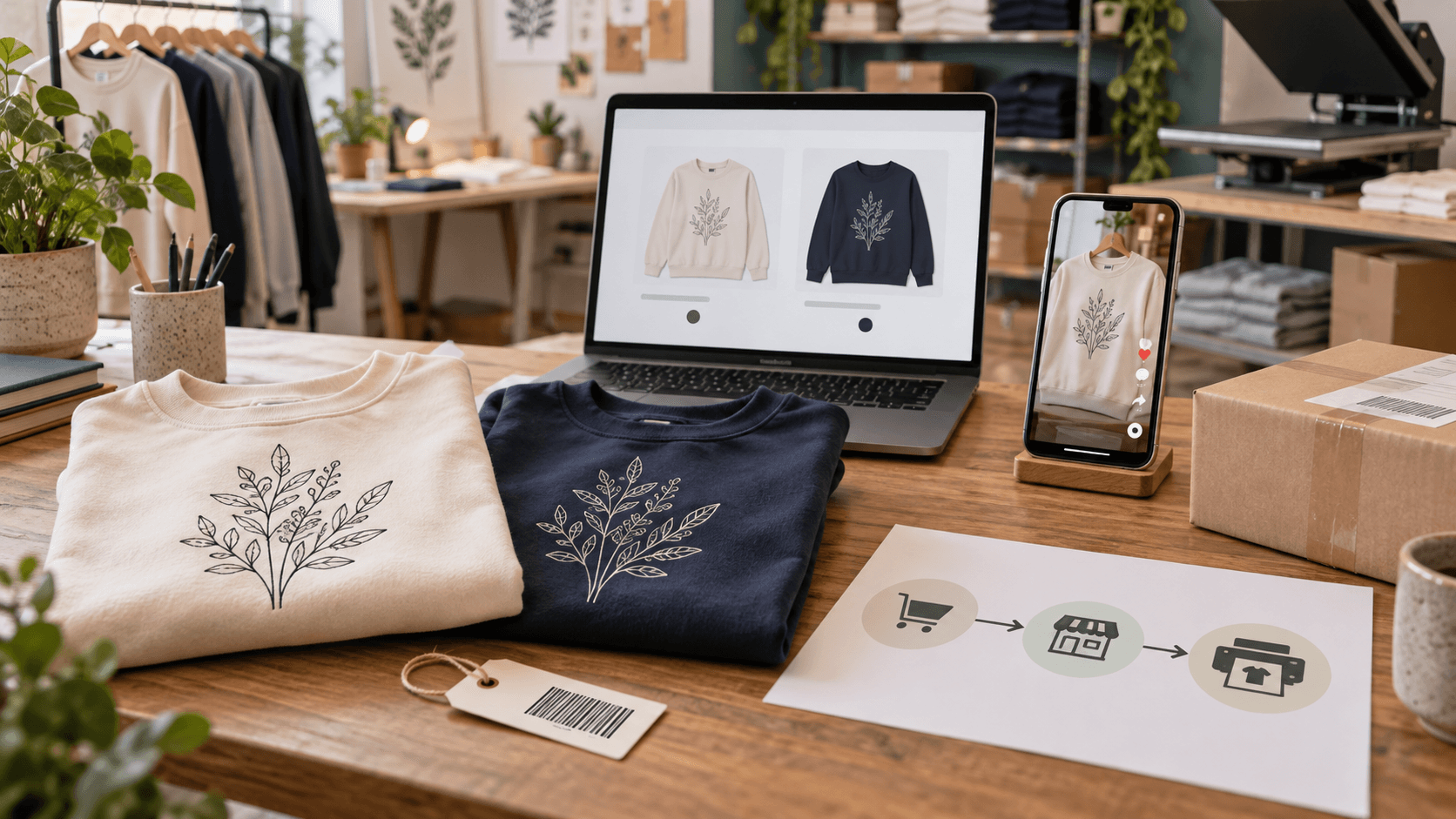
Here is a hypothetical pilot created for this guide, not a merchant result. Choose one sweatshirt design with two offered variants: cream in medium and navy in large. Use a design you are entitled to sell and a product eligible for the selected channel. Keep the rest of the catalog outside the pilot.
- Publish: verify that one intended listing appears with the two correct variants, images, and delivery information.
- Identify: select cream/medium and navy/large in turn. Confirm each selection refers to the intended fulfillment product and design.
- Price: make a controlled illustrative change from $42 to $44 in the system responsible for price. Check whether that exact change reaches the intended listing without altering another channel unexpectedly.
- Availability: use a supported, reversible availability change for one pilot variant. Observe the customer-facing result and restore it after checking.
- Order: place an agreed controlled order through the intended sales channel. Record its reference, selected variant, and the production order it creates.
- Shipment: once the pilot is fulfilled, confirm the tracking reaches the original order and customer-facing channel.
The dollar amounts are test inputs, not recommended prices. If you keep Shopify and TikTok as separate Printify stores, deliberately check each store’s version. A correct update on TikTok says nothing about whether your separate Shopify listing changed.
Evaluate each step on its own. A listing may pass publication while failing order import. A production order may exist while tracking is missing. Keep the pilot unresolved until you can explain the failed step and confirm the correction.
6. Use the correct import window when an order is missing
Printify’s troubleshooting documentation says TikTok Shop US orders can take up to two hours to sync, while Shopify orders can take up to 24 hours. It lists required payment statuses and notes that direct TikTok imports occur after the buyer-remorse window. These are order-import observations, not promised production or delivery times.
Printify: diagnosing orders that do not appear
The same guidance explains that TikTok US orders must be merchant-fulfilled and that unsupported shipping modes can affect imports and tracking. Unsynced products may appear under Other orders; Shopify payment-test-mode orders also appear there. A simulated checkout therefore cannot establish that the complete live TikTok fulfillment route works.
Before manually submitting a missing order, check the connected store, payment status, import window, and Other orders. Establish whether it already reached production through another connection. Preserve the original customer order reference so a manual intervention can be reconciled without an unintended second shipment.
For broader checkout preparation, use Eggflow’s existing store stress-test guide. This pilot is specifically about the identities and updates that cross the TikTok–fulfillment connection.
Related: the BFCM store stress test
7. Give support a reproducible failure
- State the market, sales channel, and actual connector route.
- Include the affected listing and variant identifiers, without posting customer details publicly.
- Capture the exact warehouse or sync error and the relevant setting.
- State which action you expected, when you performed it, and what appeared in each system.
- Include the order’s payment and fulfillment states, the elapsed import time, and whether production already started.
- Ask which system should perform the failed step and how to verify a correction.
Avoid disconnecting a live store or deleting listings just to see whether a problem disappears. Coordinate a change with support and account for open orders first. The useful outcome is a supported route with one explained responsibility for each update, plus a pilot that demonstrates the actual product, order, and tracking flow. Expand the catalog only after that flow is understood.