

Audit Shopify SEO, optimize images, and manage metadata and custom 404 pages.
View on Shopify App Store ↗Product Image SEO for Shopify: Smaller Files, Clearer Alt Text, Better Buying Context
Review product images by buying question, variant accuracy, saved-file quality and useful alt text before applying a Shopify catalog-wide optimization.
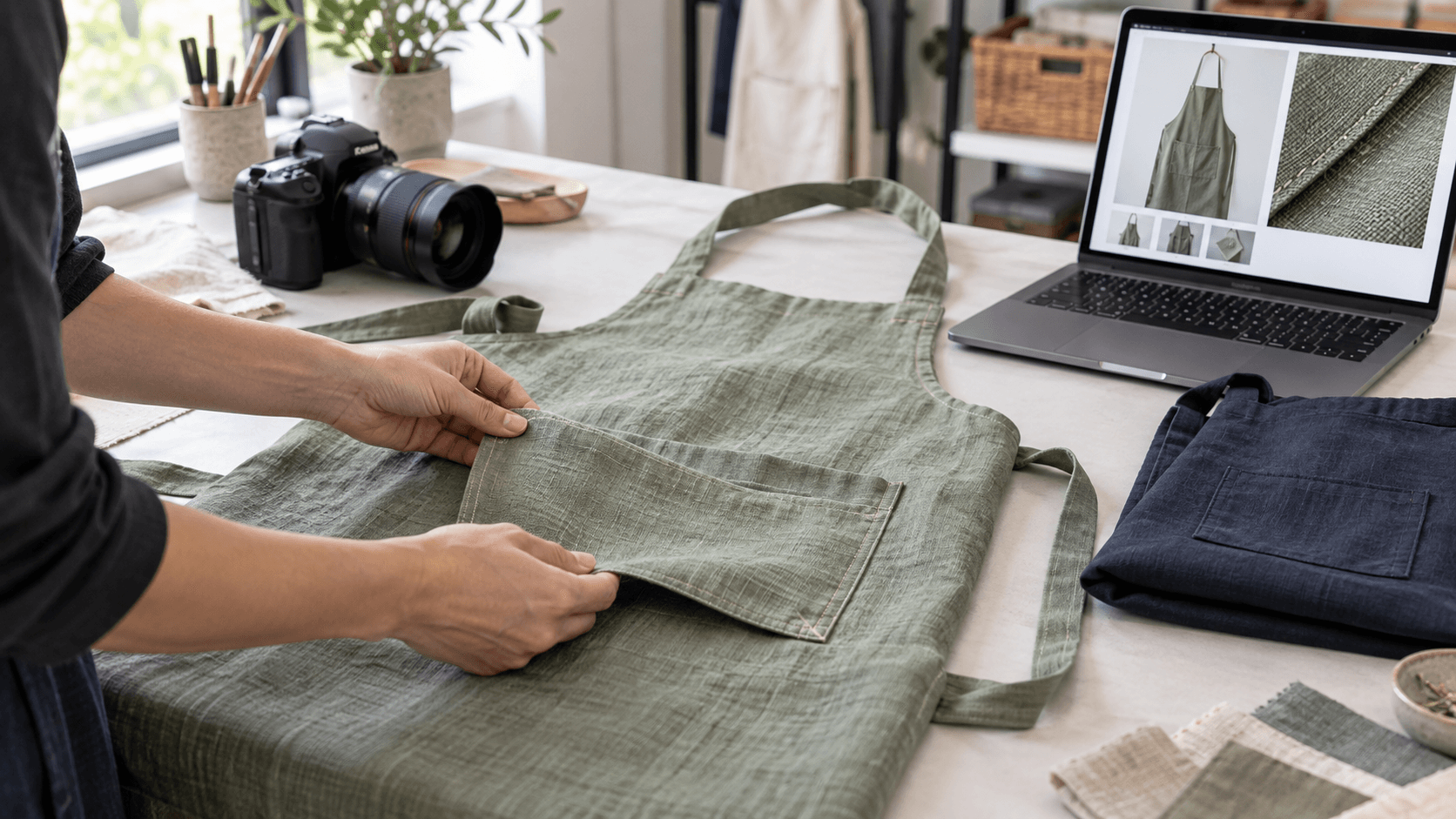
A linen apron looks crisp in your photo editor. On a phone, its pocket seam disappears, the sage variant opens with a navy thumbnail, and the image description reads like a string of search keywords. Compressing that file further would address only one of the problems. Product image SEO starts with deciding what a shopper needs the picture to explain.
Use a small image review before changing an entire Shopify catalog. The workflow below combines buyer questions, variant checks, descriptive alt text and a measured file example. It gives a merchant a practical approval record without promising higher rankings or more orders.
Assign each image a buying question
For an illustrative apron listing, a useful gallery could answer four different questions: What shape is it? What does the fabric look like? Where are the pockets? How does the selected color appear? Several nearly identical front views can leave those questions unanswered even when every file is sharp.
- Main view: show the whole purchasable apron, with straps and hem inside the frame.
- Detail view: show the pocket opening and stitching closely enough to inspect.
- Texture view: preserve the weave without sharpening it into a misleading pattern.
- Color view: use the actual variant and consistent lighting so comparison is meaningful.
These are proposed views for a hypothetical linen-apron store, not requirements for every catalog. A replacement part might need connector and scale photos instead. Write the question beside the image before choosing the crop. If two images answer the same question equally well, decide whether both help the buyer.
An October 1, 2026 Shopify Community thread about an AI-themed print-on-demand shop includes suggestions to add real lifestyle photographs rather than relying only on mockups. Another participant reports missing alt text and discloses their own app. These are observations and opinions from that discussion, not independently verified audit results or evidence of a sales lift.
Shopify Community: store and product feedback
Take a specific question from that feedback: can the shopper see what will arrive? For a supplier mockup or AI illustration, check it against an authorized sample before using it as product evidence. An editorial illustration, such as this article's feature image, is useful for explaining a workflow; it does not establish a real item's stitching, color or material.
Check the selected variant on the storefront
Shopify documents one assigned image per product variant, with additional relevant images placed in the product media gallery. Selecting a variant shows its assigned preview; shoppers can scroll the gallery for other views. Do not assume that assigning one image automatically creates a filtered gallery containing only that color.
Shopify: adding images to product variants
Open the actual product page and select each option you intend to review. For the hypothetical sage apron, confirm that the selected option, main image and close-ups agree. Then select navy. Inspect a direct product link and a fresh page load as well as a selection made after browsing the gallery. Record any mismatch and resolve it before applying a bulk compression job.
Color appearance varies with screens and lighting. Consistent photography can make comparisons clearer, but it cannot guarantee identical appearance on every device. Keep material and sizing information available as text; a photograph should support those details without becoming the only place a buyer can find them.
Separate upload size from the image a customer receives
Shopify's media guidance says it creates different image sizes for different uses and its Imagery service selects a format supported by the customer's client. The theme affects presentation. Consequently, a smaller source upload is not a complete measurement of what a phone downloads, and an upload's filename extension does not prove the delivered format.
Shopify: product image formats and presentation
Preserve an original master. In a working sheet, record its pixel dimensions and bytes, then record those values for each export. Compare candidates at the same dimensions first. If you also change the dimensions, label that as a separate change so you can explain which trade-off removed detail.
Inspect the image at its normal product-page size and at the zoom level shoppers can use. Look at pocket edges, thin straps, weave and subtle color transitions. A smaller file that smears the weave has failed the texture question. A large image displayed as a tiny thumbnail may deserve a different delivery size, but that decision requires checking the theme's actual output.
Measured example: one illustration, three files
For a reproducible local example, we encoded this article's generated studio illustration at unchanged dimensions. The PNG source and two quality-85 exports are measured below. This is an editorial sample, not a Shopify store test, a real apron photograph or a BeMeApps performance result. Quality settings in different formats are not equivalent visual-quality scales.
All three files are 1672 × 941 pixels. The source PNG is 2,458,657 bytes; the JPEG export is 252,261 bytes (89.7% smaller); the WebP export is 174,588 bytes (92.9% smaller).
The reduction calculation is (source bytes minus export bytes) divided by source bytes, multiplied by 100. This measures encoded file size only. It does not establish a page-load improvement, an accessibility result or a conversion effect. A browser may receive another size or format, and other page resources still contribute to loading.
For your own product, choose the smallest candidate that passes the buying-question review at the intended display and zoom sizes. Have a second reviewer examine the saved output without being told which version is expected to win. If the pocket shape or weave is ambiguous, retain a clearer candidate or a dedicated detail image.
Write alt text for the image's purpose
W3C's guidance for informative images focuses on conveying the information the image contributes in context. Start with the useful visual information, not a catalog of everything in the frame. A main product image and a detail image can need different descriptions even when they show the same apron.
W3C: text alternatives for informative images
- Main view example: Sage linen apron with adjustable neck strap and two front pockets.
- Detail example: Close-up of the sage apron's front pocket opening and stitched edge.
- Texture example: Close-up showing the woven surface of the sage apron fabric.
These are independently written examples for the hypothetical image set. Use them only when the actual image supports the description. Do not add claims such as waterproof, organic or professional-grade based on appearance. If those are verified product attributes, explain them in the product information where every shopper can access them.
Shopify recommends brief, descriptive alt text, with 125 characters or fewer recommended although the field permits more. In the product admin, open the media item, add the description and save it. Review any suggested wording before accepting it, then check the resulting storefront image.
Shopify: adding and saving media alt text
Google's image guidance recommends descriptive filenames and relevant surrounding content, and warns against stuffing alt text with keywords. Use a filename such as sage-apron-pocket-detail for a new asset rather than a repeated list of sales phrases. Renaming an existing asset is a separate change: check where it is used before replacing it.
Google Search Central: image SEO best practices
Use BeMeApps with a small approval batch
BeMeApps: SEO Optimizer & AI, published by BeME Apps, lists image compression, resizing, alt-text tools and store audits. Its listing includes automatic alt filling and compression, with plan-dependent options such as WebP support. Use it as the primary app for a selected image-improvement batch after verifying the available controls in your installation.
Review BeMeApps: SEO Optimizer & AI
Choose three product pages and retain their source files, existing descriptions and image assignments. Check the scope of each action before enabling it. Approve the output against the real photos and buying questions, then inspect the live product pages. Do not assume the app changes variant assignments, preserves every filename or offers a particular restoration mechanism unless your installed version confirms it.
Keep a simple batch record: affected product and media IDs, intended change, original file, output file, reviewer and result. A compression result can be accepted while generated alt text needs correction. Treat them as separate review decisions. Expand the batch only when the saved files and public pages behave as expected.
A release checklist for product images
- Each retained image answers a specific buying question.
- Selected variants display the intended preview, and gallery images do not imply the wrong color or included items.
- The saved export preserves the details visible at the storefront's display and zoom sizes.
- Alt text reflects the actual image and its role without unsupported claims or keyword repetition.
- Original files and existing metadata are retained for recovery.
- Public images load, and the product page remains usable after the batch.
For product-fact consistency across discovery channels, our separate AI Search guide explains how to test an assistant's answer against verified variant information. This image workflow supplies clearer visual evidence; it does not measure AI recommendation accuracy.
Eggflow: verify product facts for AI search
Start with one ambiguous image, one mismatched preview and one unhelpful description. Resolve each with a documented decision. Once the buyer can inspect the right item and the saved files are suitable for their display, evaluate page delivery and search visibility with their own evidence. Image quality, search appearance and orders are related business concerns, but a file-size reduction alone proves only that the file became smaller.
Official documentation, app listing and Community posts checked October 11, 2026. The apron catalog is hypothetical; the local file-size sample is an independently measured generated illustration.
Apps in this guide
Keep exploring
All stories ↗
Grow Your Business
Create a BFCM Landing Page That Makes the Offer Easy to Understand
Build a Shopify BFCM landing page with clear eligibility, code instructions, deadlines, and a shopping route that matches the offer.
Grow Your Business
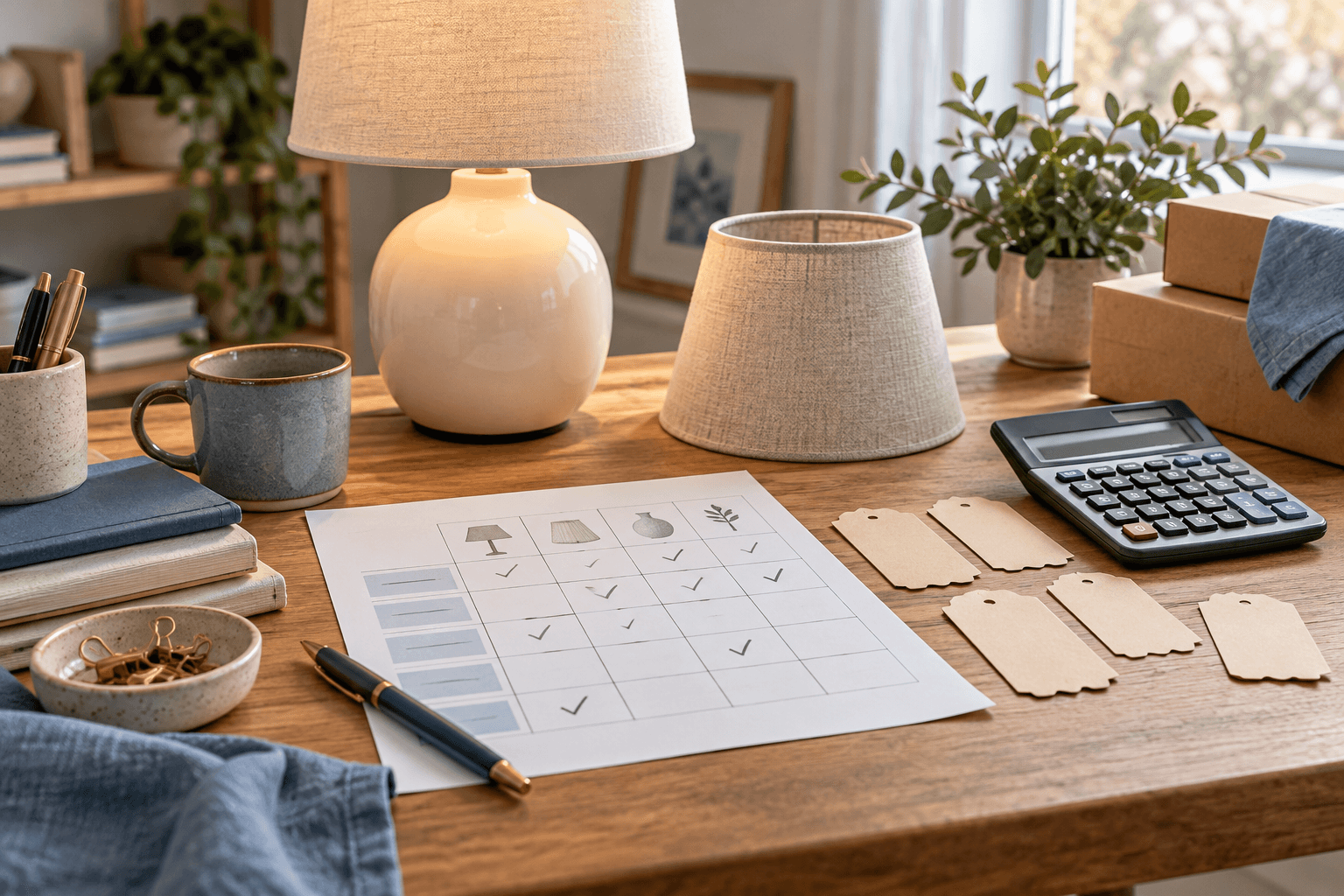
Shopify Discount Stacking for BFCM: A Practical Test Matrix
Test Shopify BFCM discount combinations with six reproducible cases, an illustrative lamp basket and separate checks for product, order and shipping savings.

Grow Your Business
How to Choose BFCM Products Using Inventory and Margin
Build a BFCM product shortlist using sellable stock, campaign allocations and realistic order costs, with an illustrative tote-and-pouch comparison.